
This procedure explains how to complete the BC/FT risk analysis and calculate the vigilance level in VIGIL KYC.
Procedure for completing the risk analysis #
1. Open the customer file (Via the customer register)
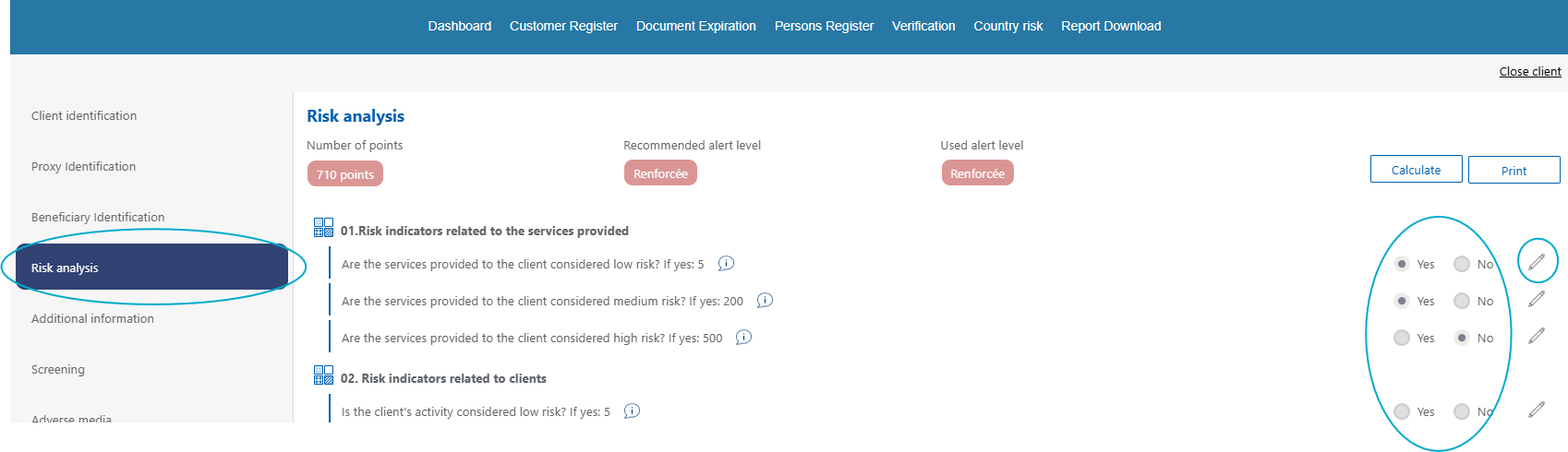
2. Open the «Risk Analysis» section in the client file.
3. Answer each question with «Yes» or «No».
4. Add a comment where useful by clicking the pencil icon.
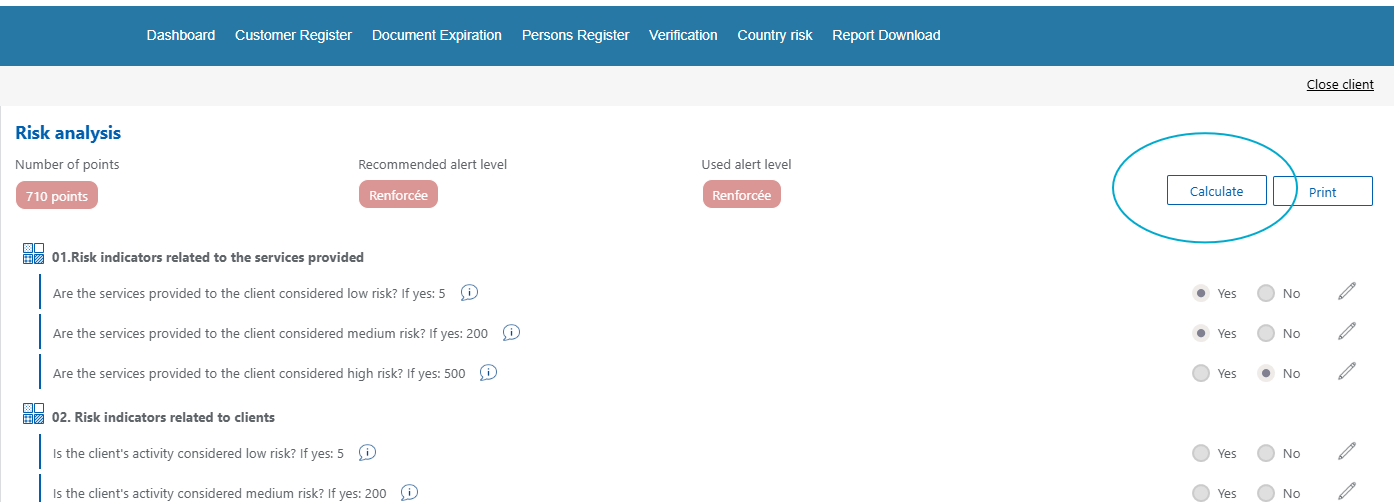
5. Click «Calculate» to determine the vigilance level.
Procedure for copying/pasting a client's replies to another #
This feature is only available for administrator access
1. Open the client's folder to which you want to import responses from another folder.
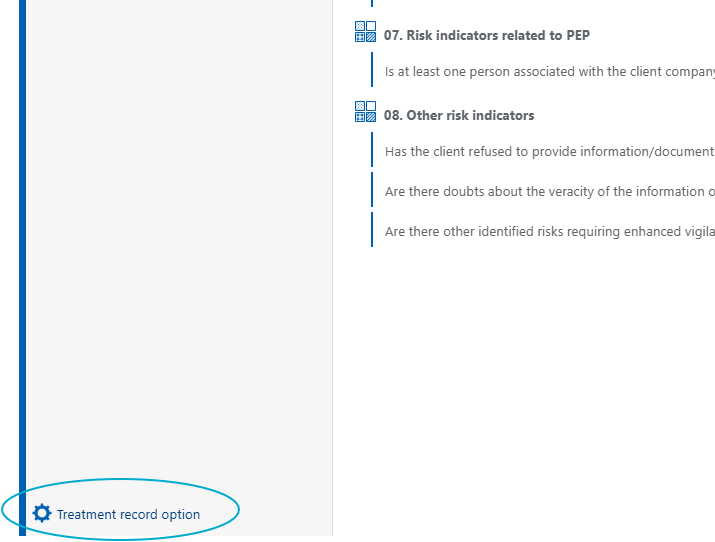
2. In the left column, at the bottom of the screen, go into the record options
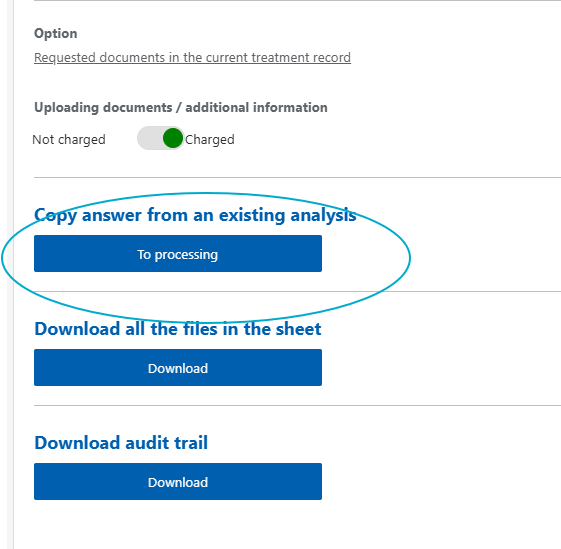
3. In the «Copy answers from an existing analysis» section, click «To processing».
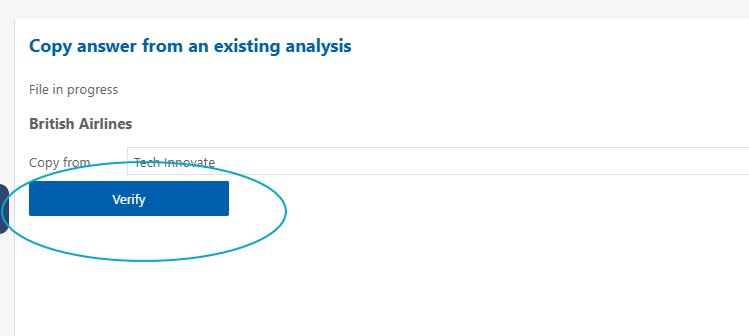
4. From the drop-down menu, select the client from whom you wish to copy the responses, then click «Verify».
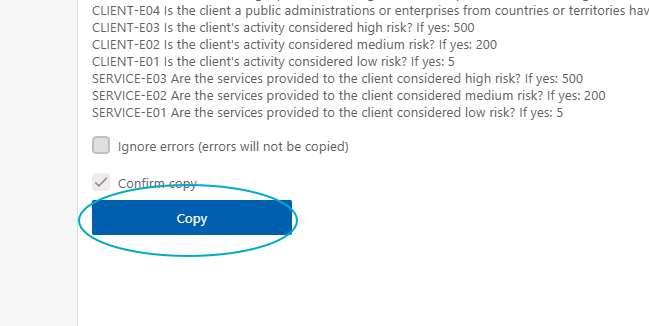
5. At the bottom of the screen, tick «confirm copy» and click «copy»
6. Go to the Risk Analysis section, check and adapt the responses, then click «Calculate».»
Good to know #
You can click on «Print» to get the risk analysis in PDF format. This can be particularly useful for internal discussions.
You can consult guidance associated with each question by clicking on the small «i» next to each question.
Writing a comment is not mandatory. However, it can be useful if an analysis was necessary to answer a question or if you wish to keep a record of a memo. This comment will appear in the report and will be saved within the application.