Table of Contents
This procedure explains how to complete a client identification form.
Procedure #
1. Open the customer file (by clicking on the customer's name in the customer register)
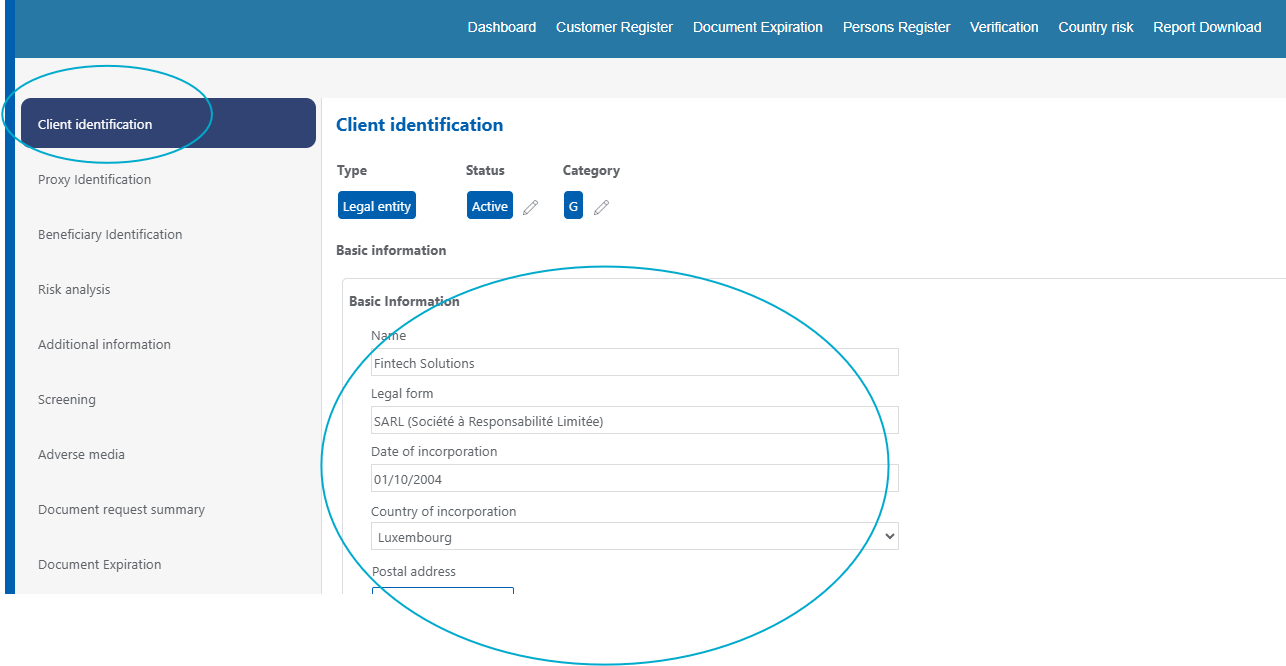
2. Access the «Client Identification» section (on the left-hand column).
3. Complete the requested information on the identification form.
4. Check the information entered.
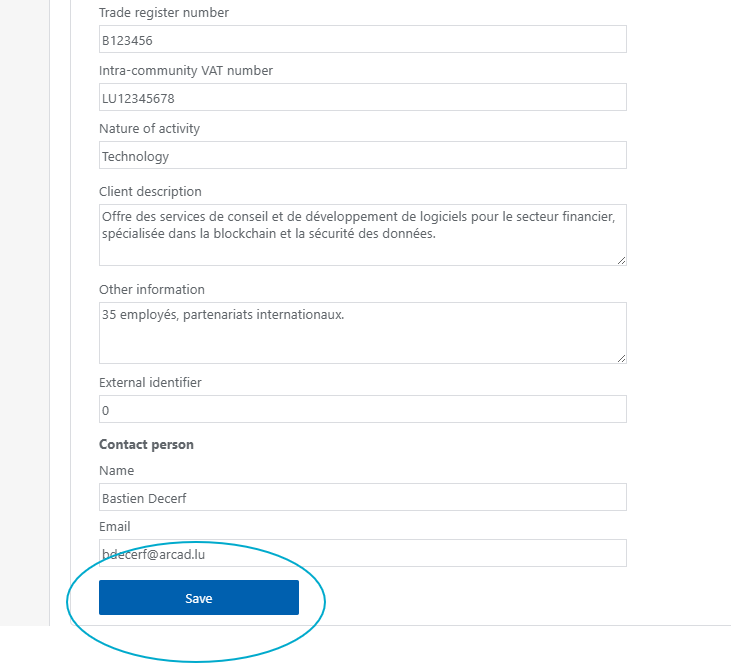
5. Click «Save» once the record is complete.