
Table of Contents
This procedure describes how to create a new prospect or client record in VIGIL KYC.
Procedure #
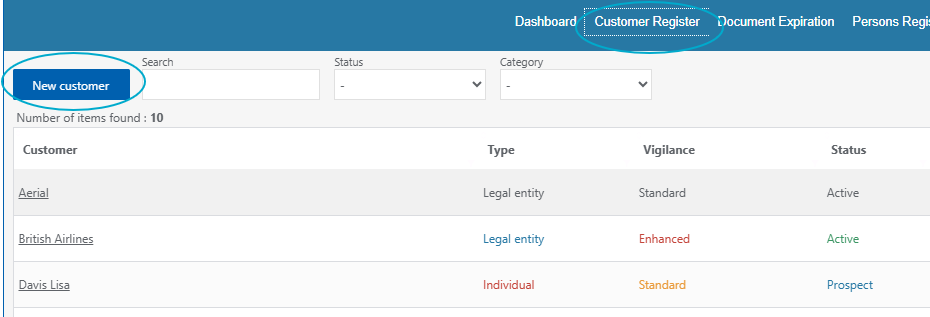
1. From the «Customer Register» tab, click «New Customer».
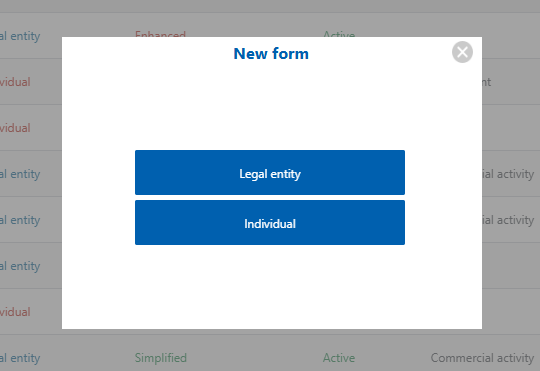
2. Select the client type: legal entity or natural person.
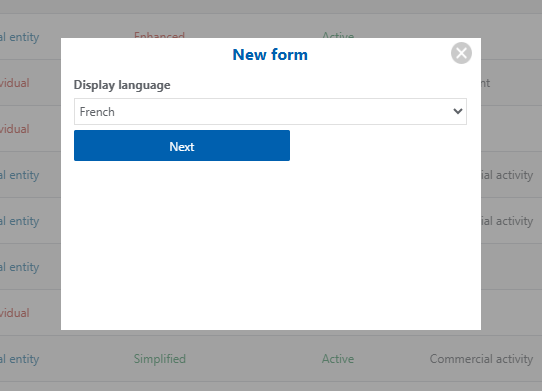
3. Select the display language (If you are using the client communication module, this is the language in which the client will see their document request)
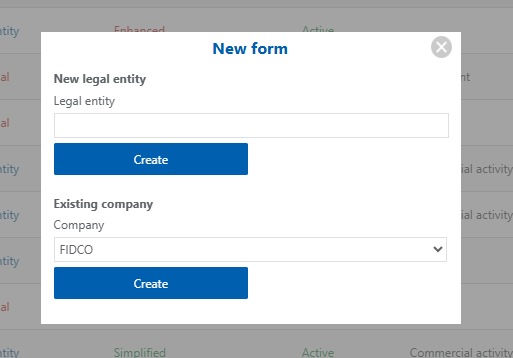
4. If the customer is not in the people register, enter their name directly to create them.
If the customer has already been entered via the people registry, select their name from the drop-down menu.
Then click «Create»
Expected result #
The client file has been created. You can now access it via the client register by clicking on the client's name.